500,000 points · Upgrade
Boost engagement by giving your viewers a role in the game. Their likes, comments and gifts trigger real-time actions in your games, keyboard inputs and sounds. Encourage participation and create moments that make your community want to stay, then come back.
Creator approval required for online features.
A closer look at the app. Connect your LIVE, shape your interactions and make your overlays your own.
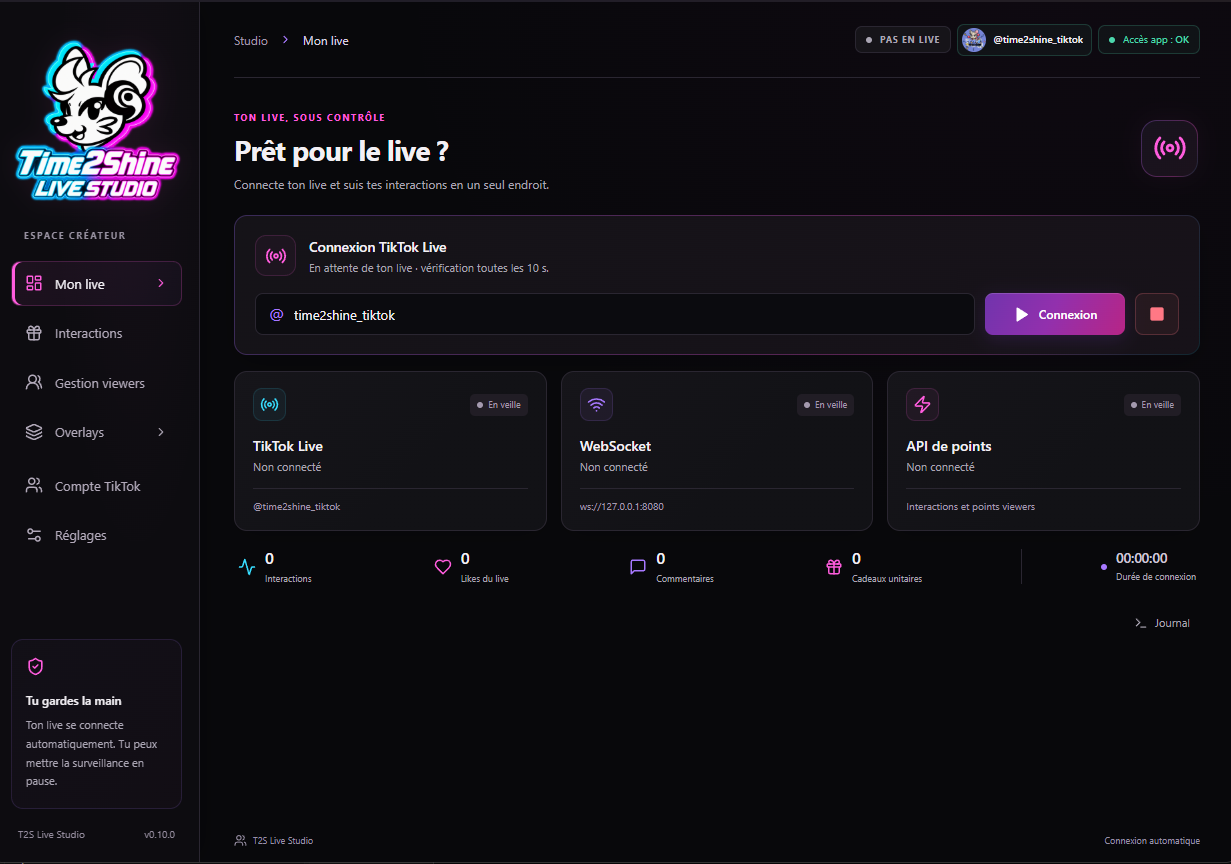
Connect your TikTok LIVE and keep your connections, interactions and session counters together in one clear dashboard.
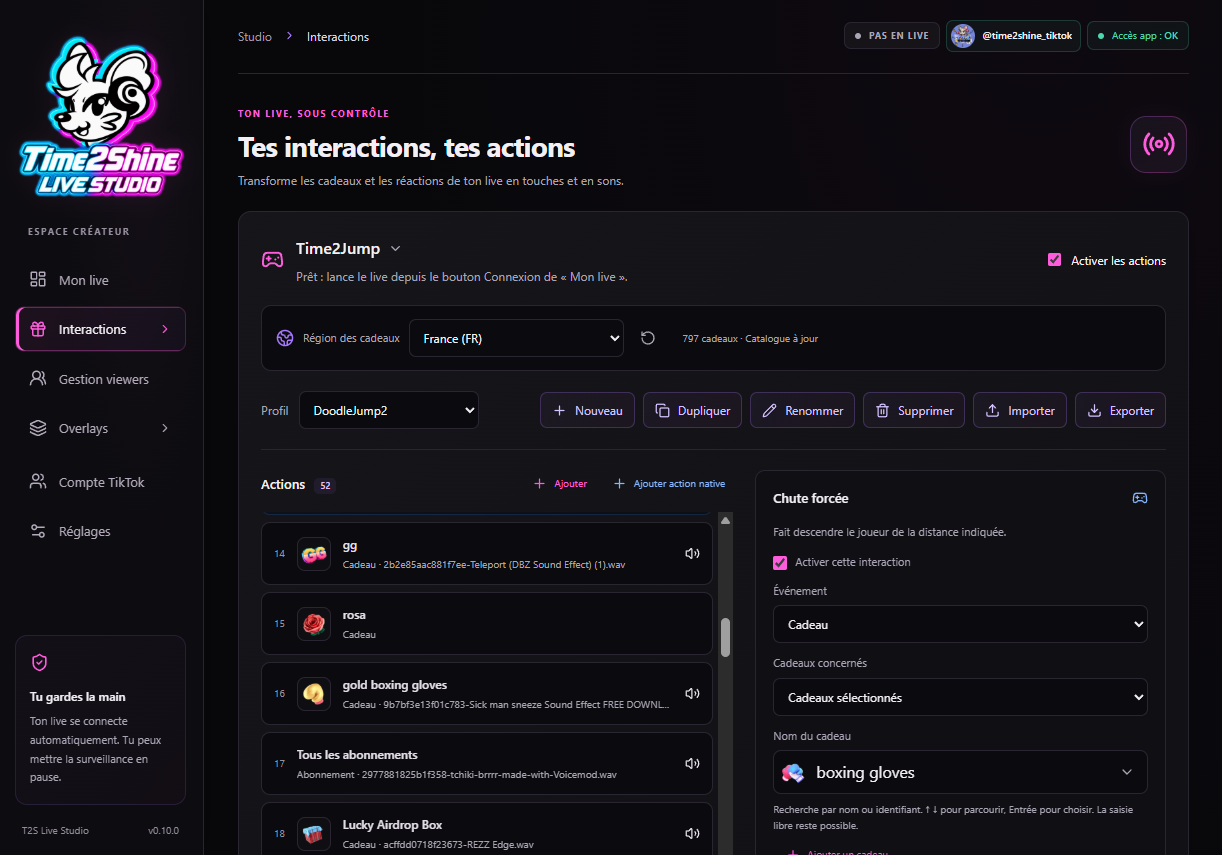
Choose a game profile, connect gifts to actions and assign keyboard inputs or sounds. You decide what your community can trigger.
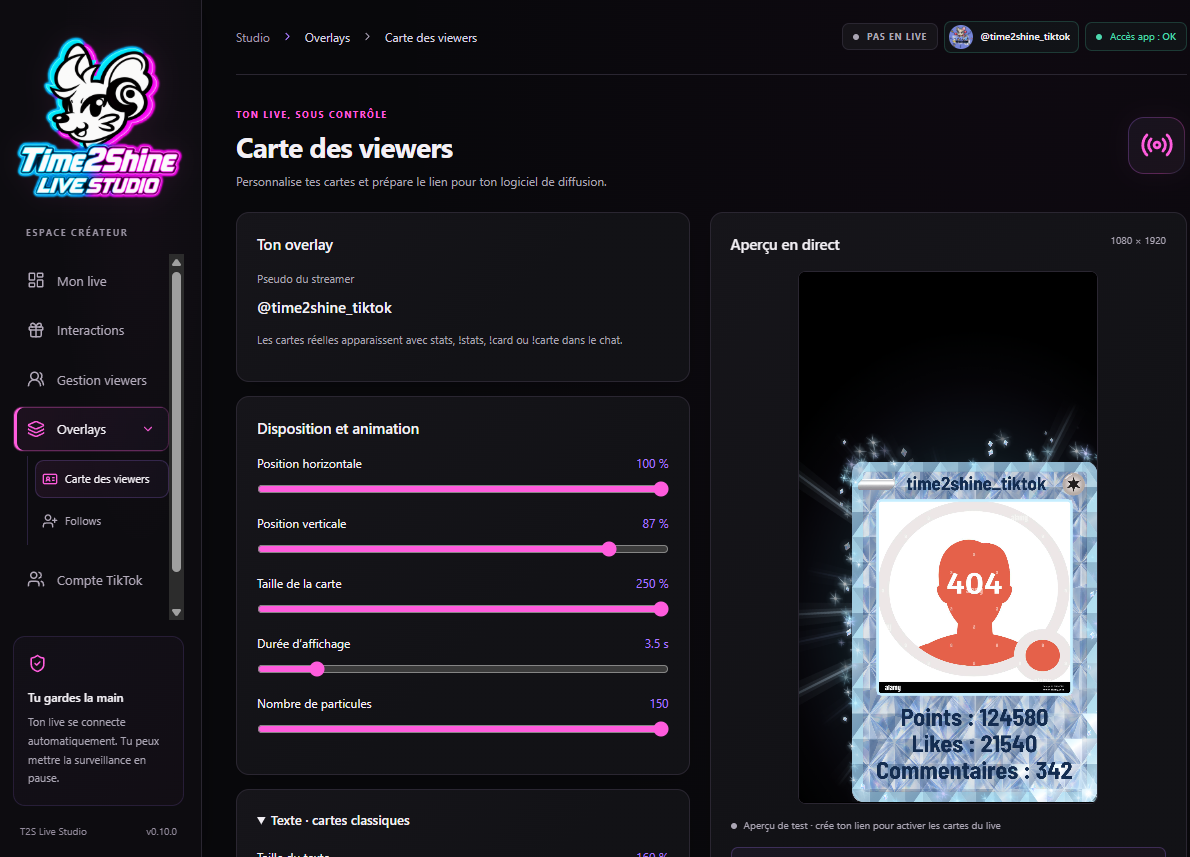
Adjust the position, size and effects of your viewer cards. Preview your changes in the app before adding the overlay to your LIVE.
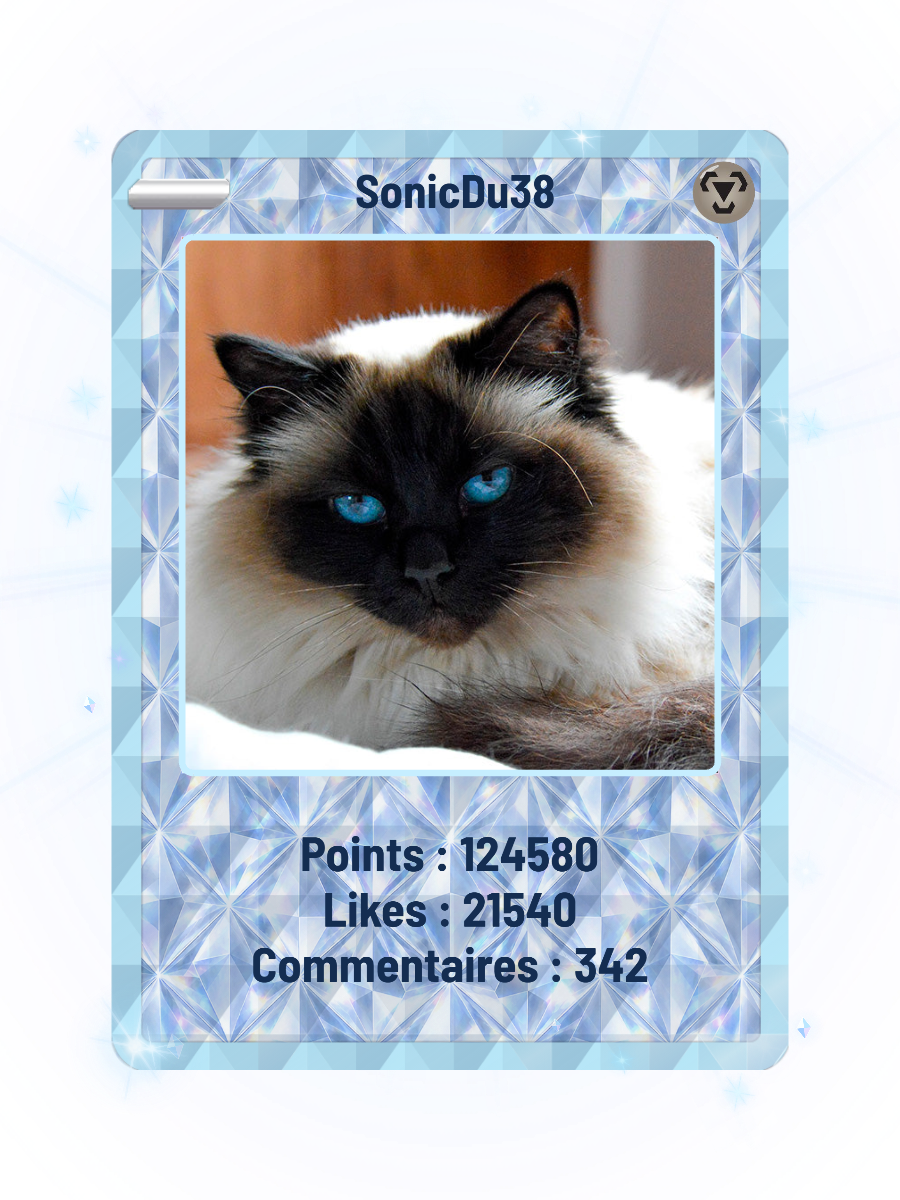
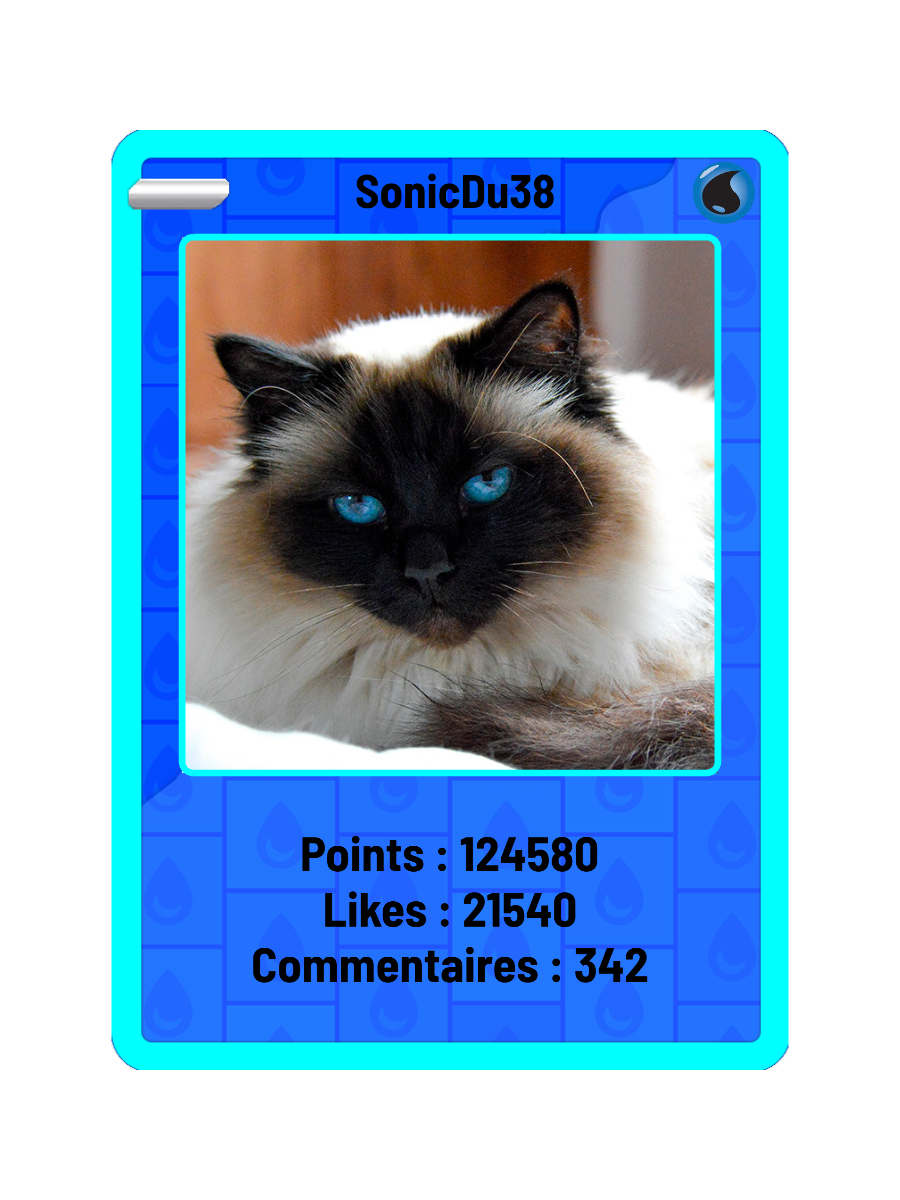
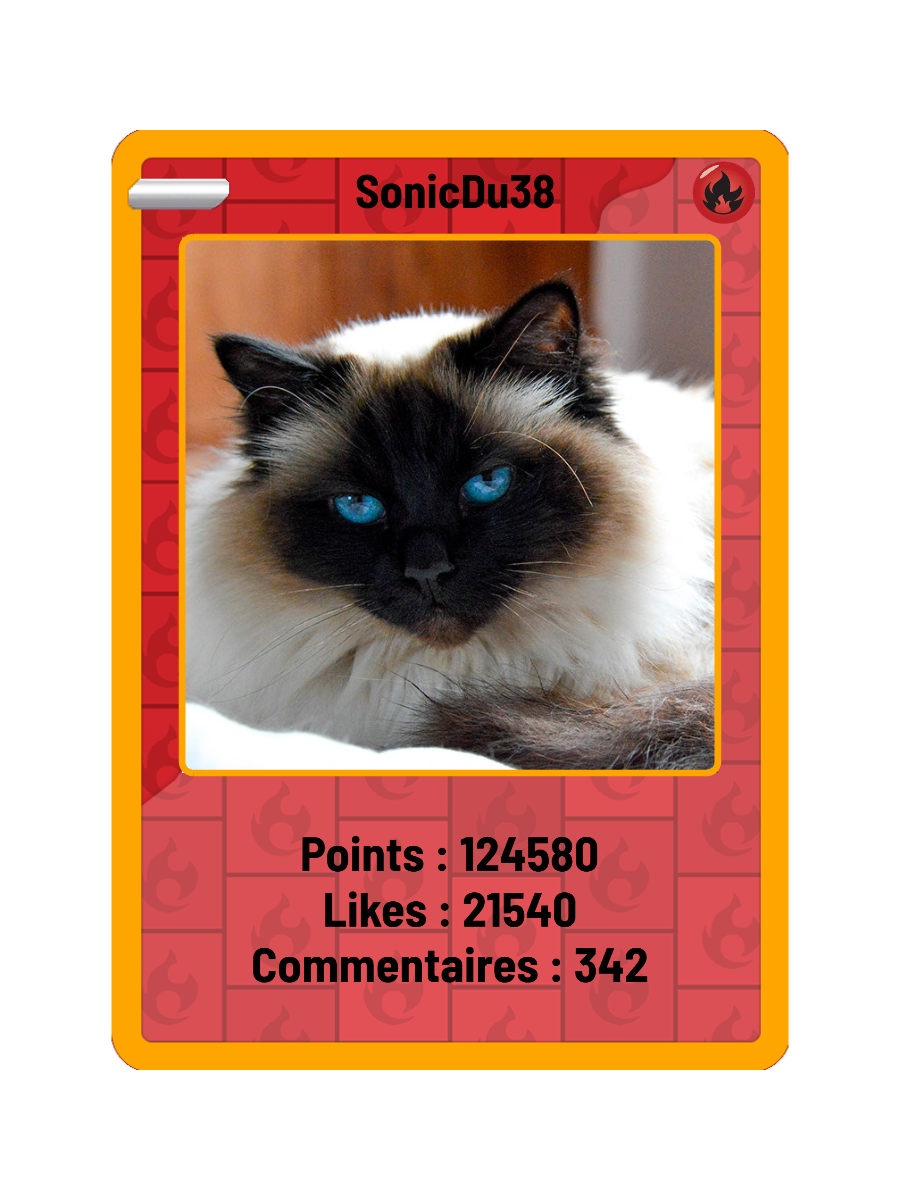
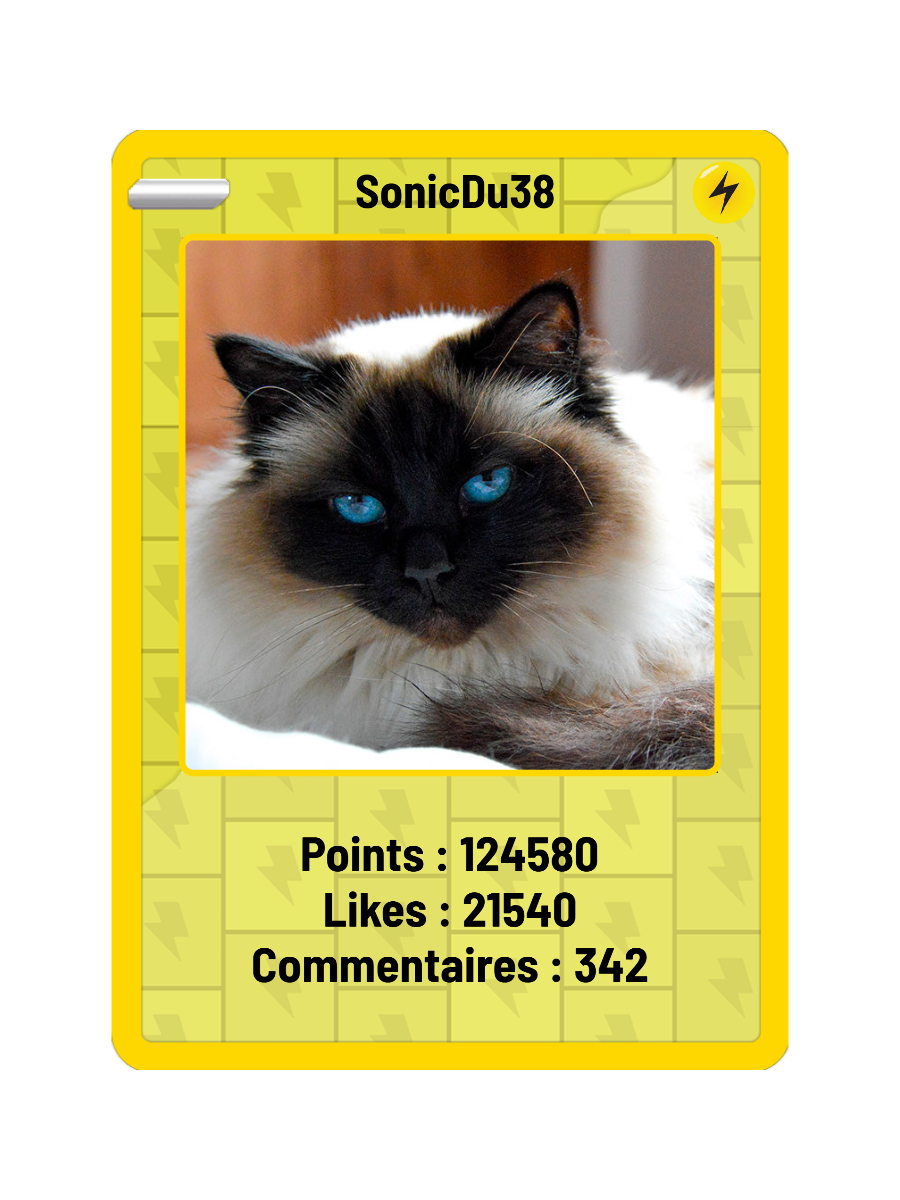
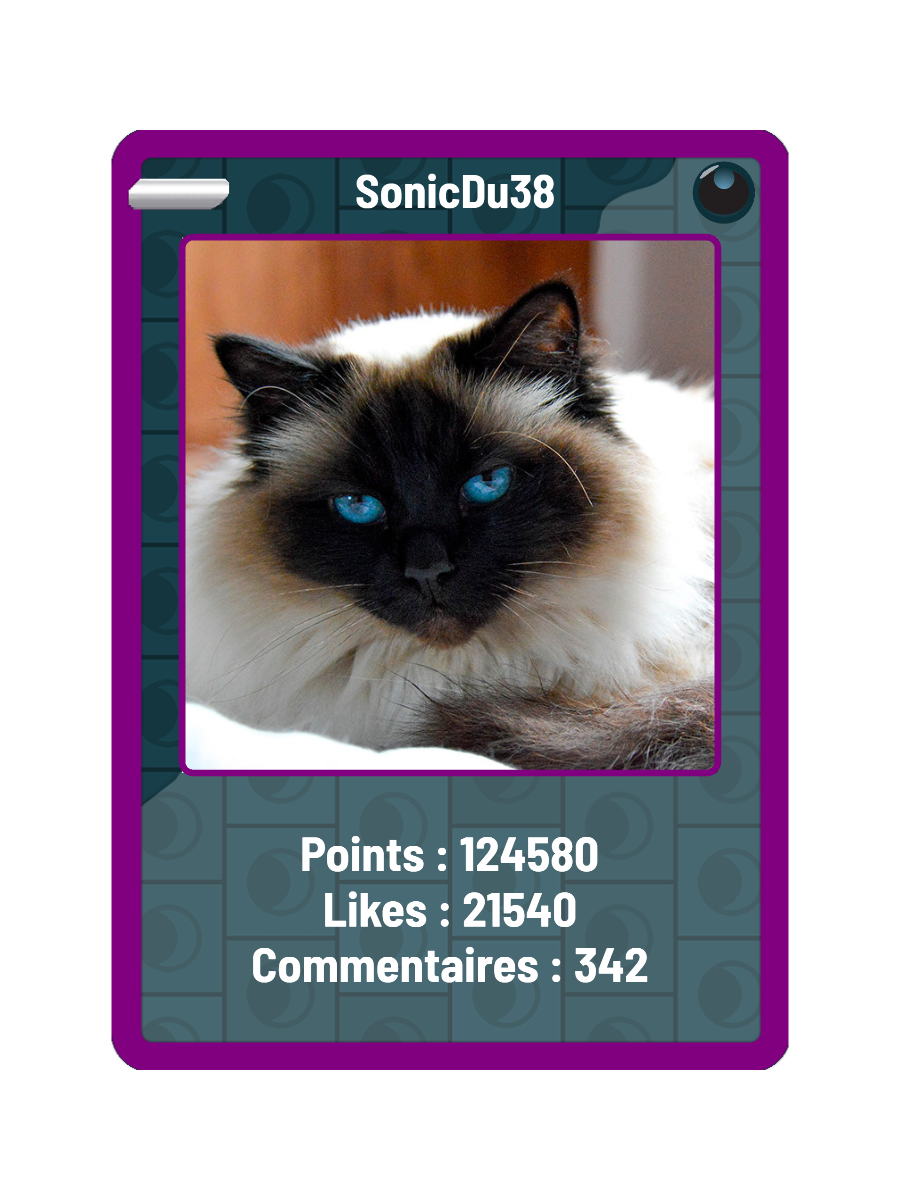
Viewers earn points by interacting with your LIVE: likes, comments, follows, shares and gifts. They spend those points on personalised card upgrades. Reward your most engaged viewers, make their progress visible, and build a loyal community that comes back for your next LIVE.
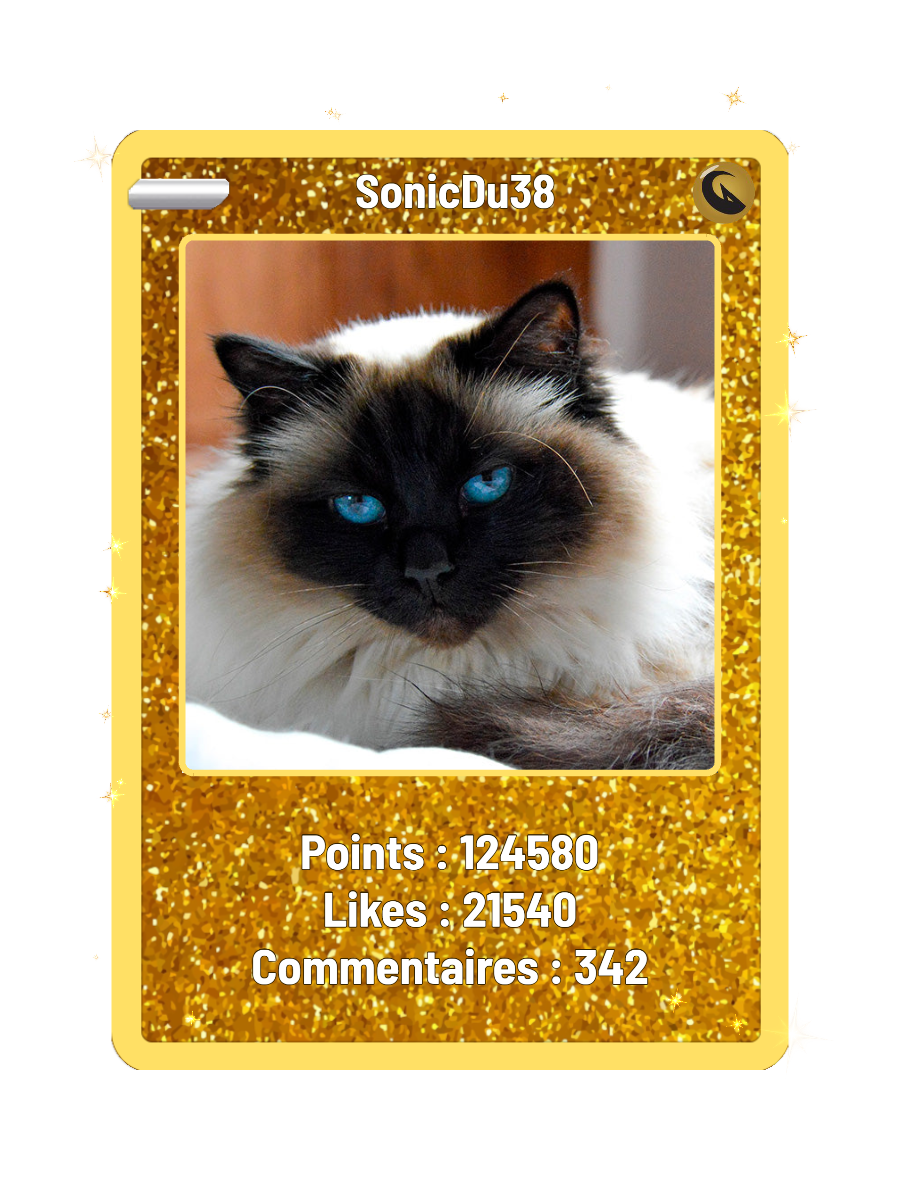
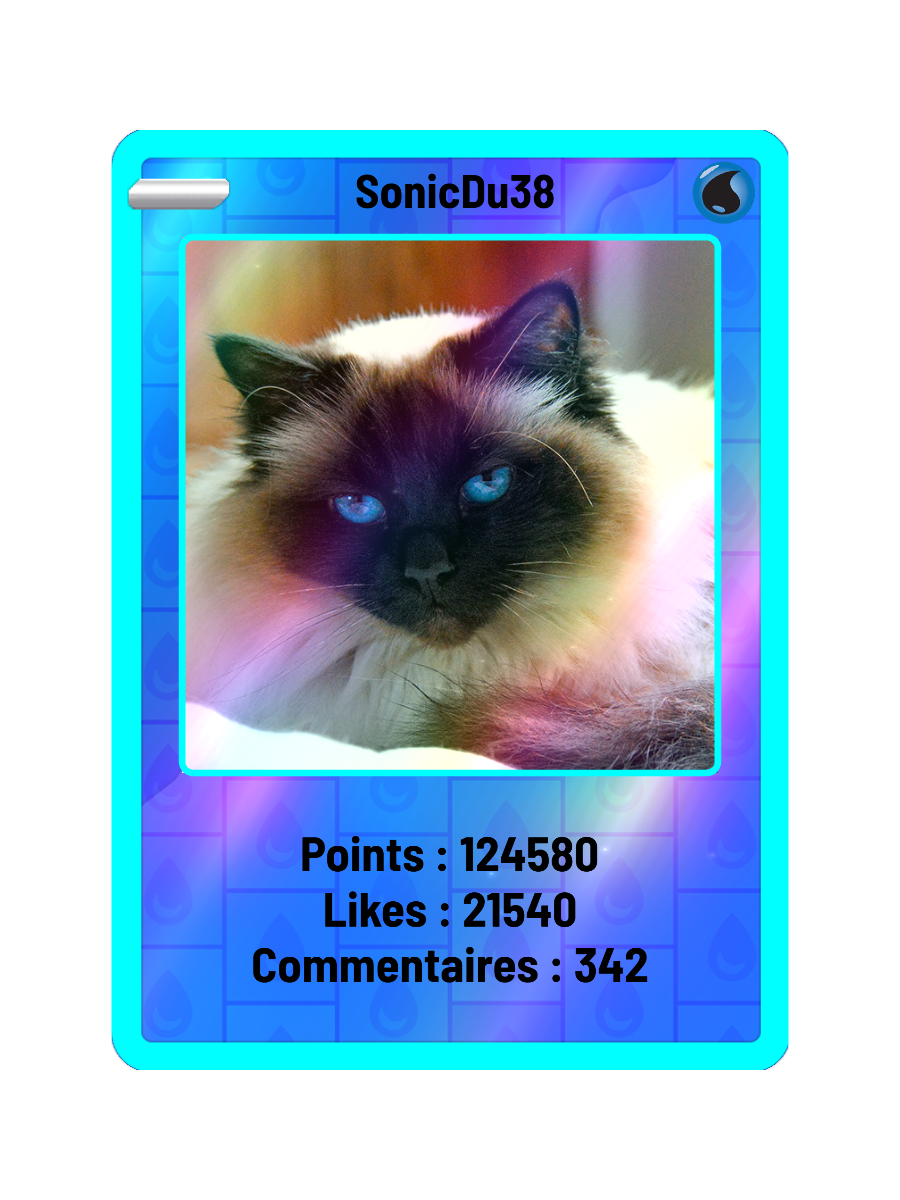
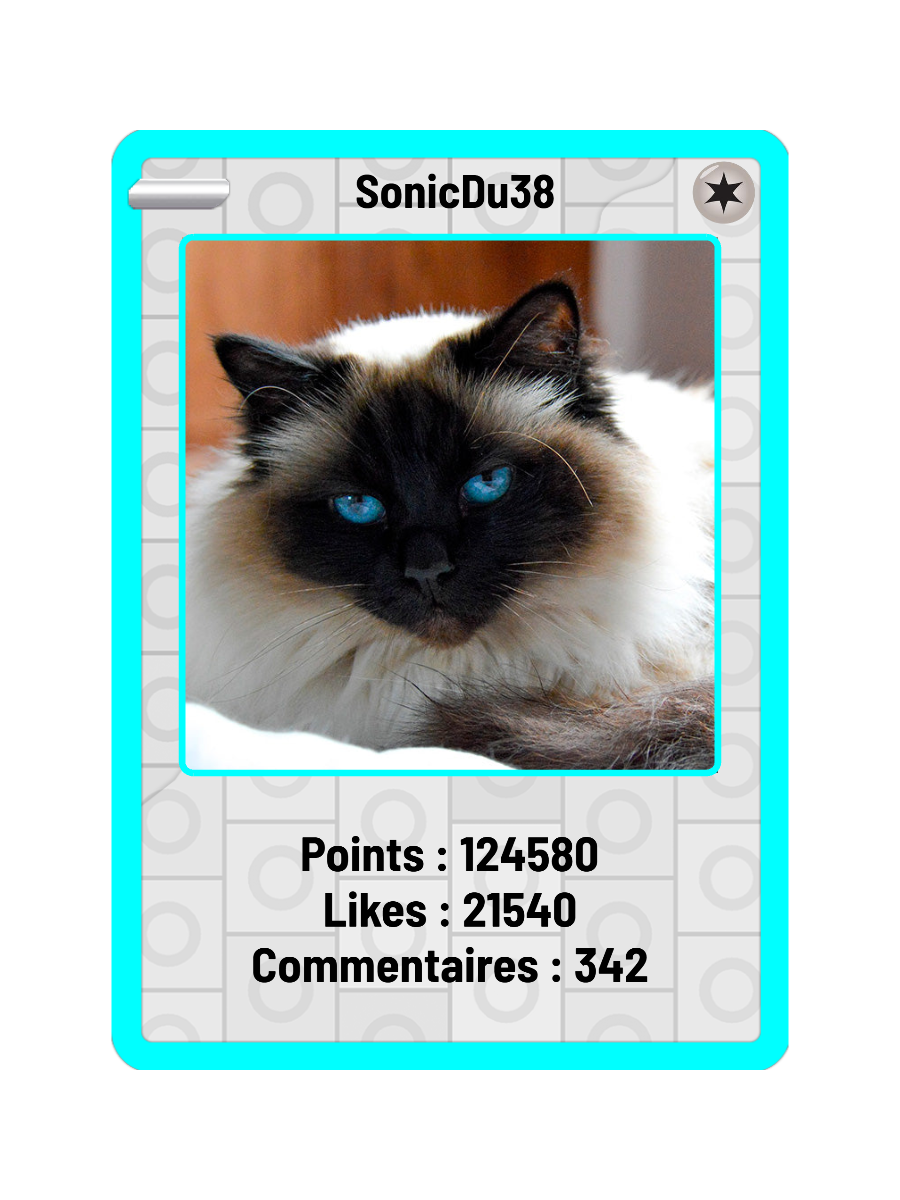
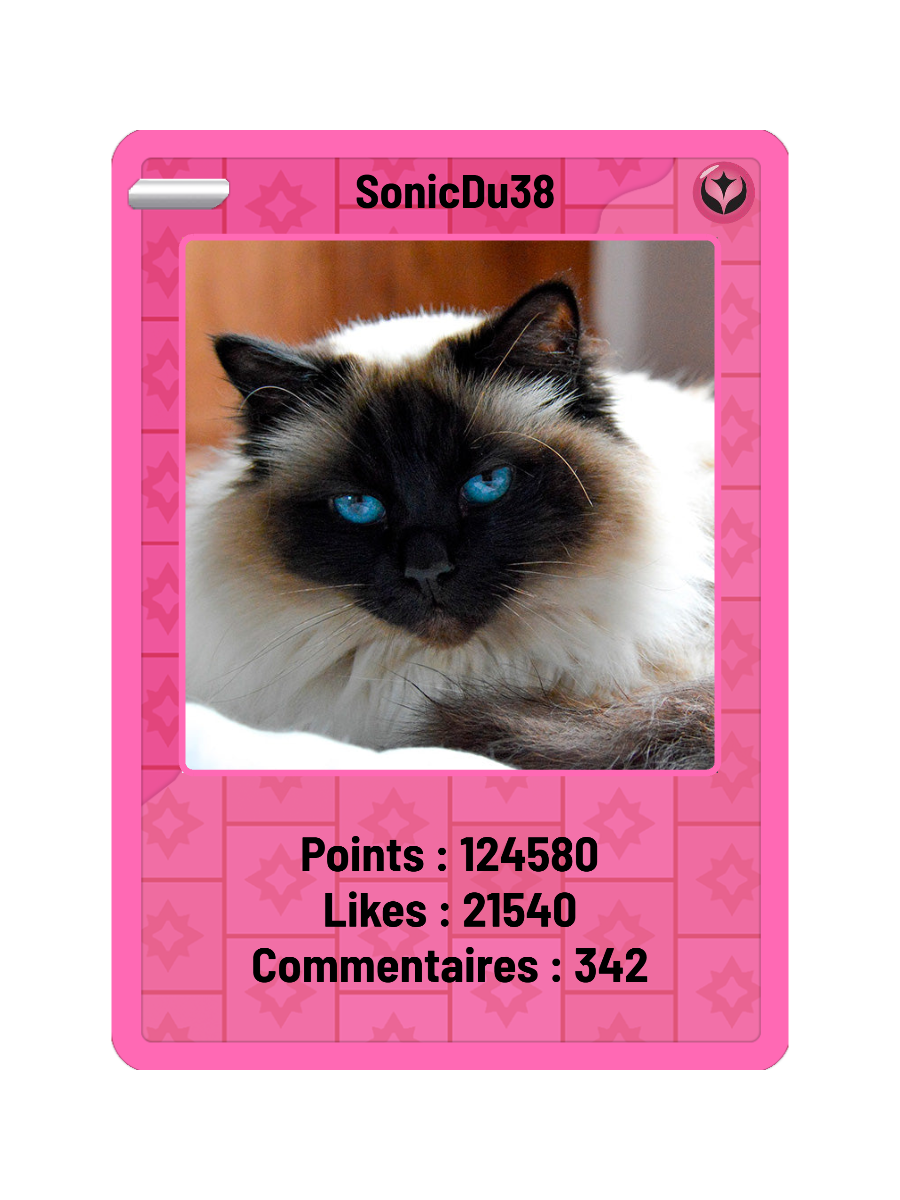
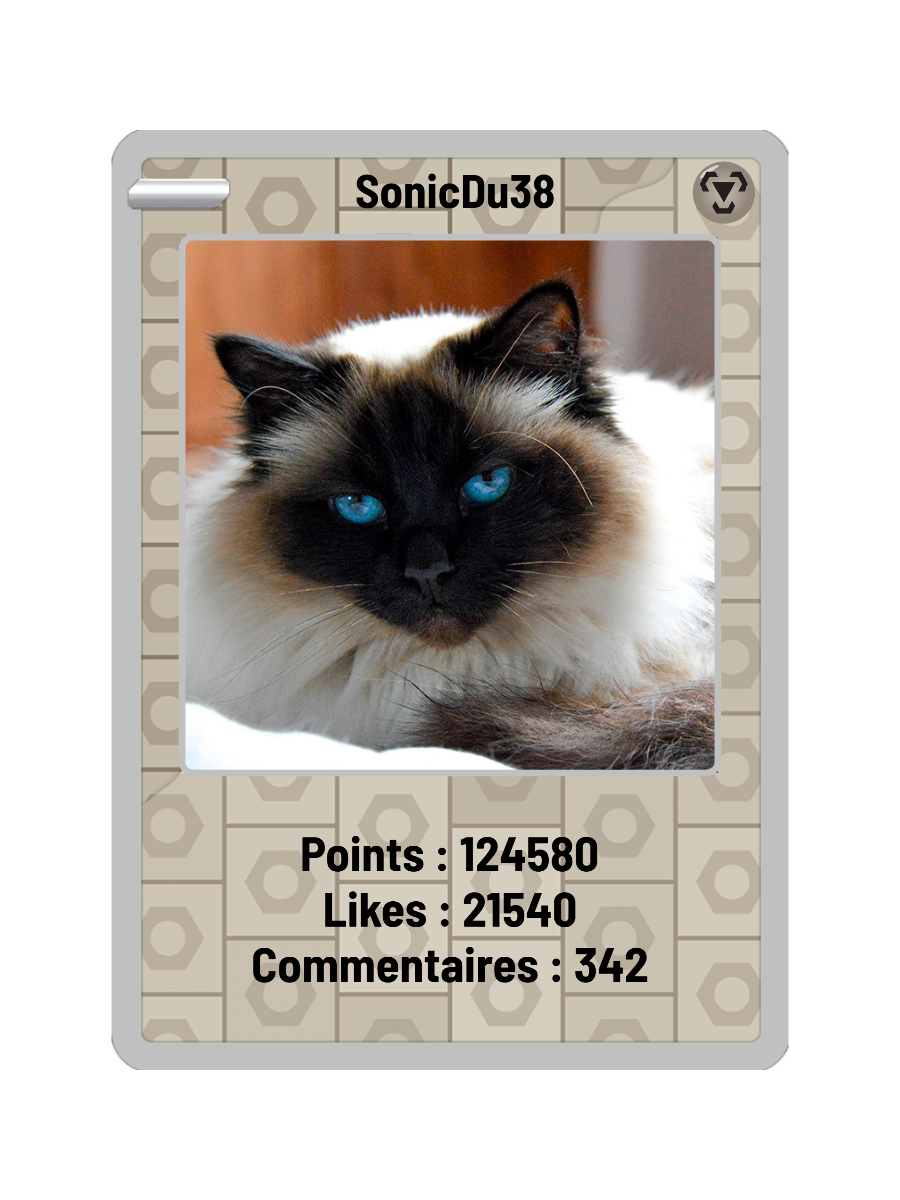
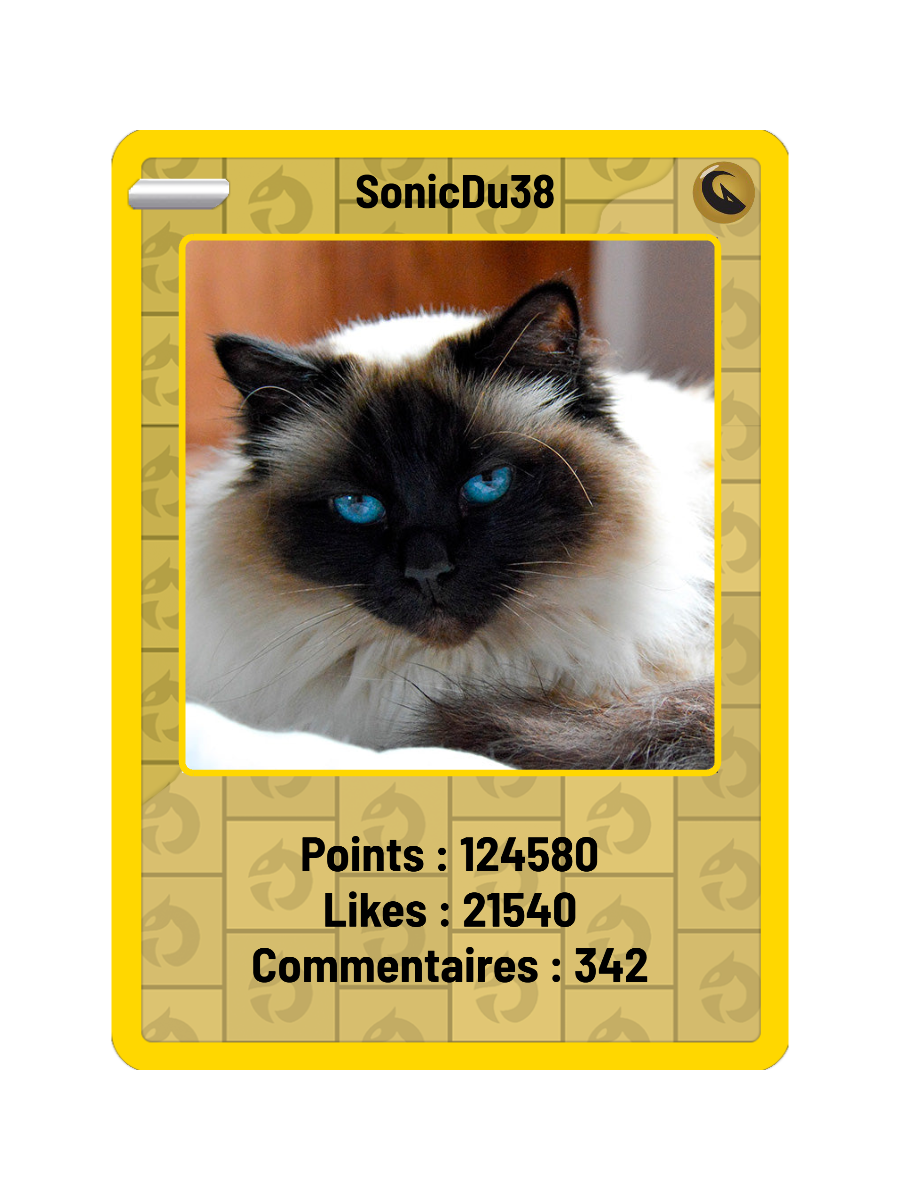
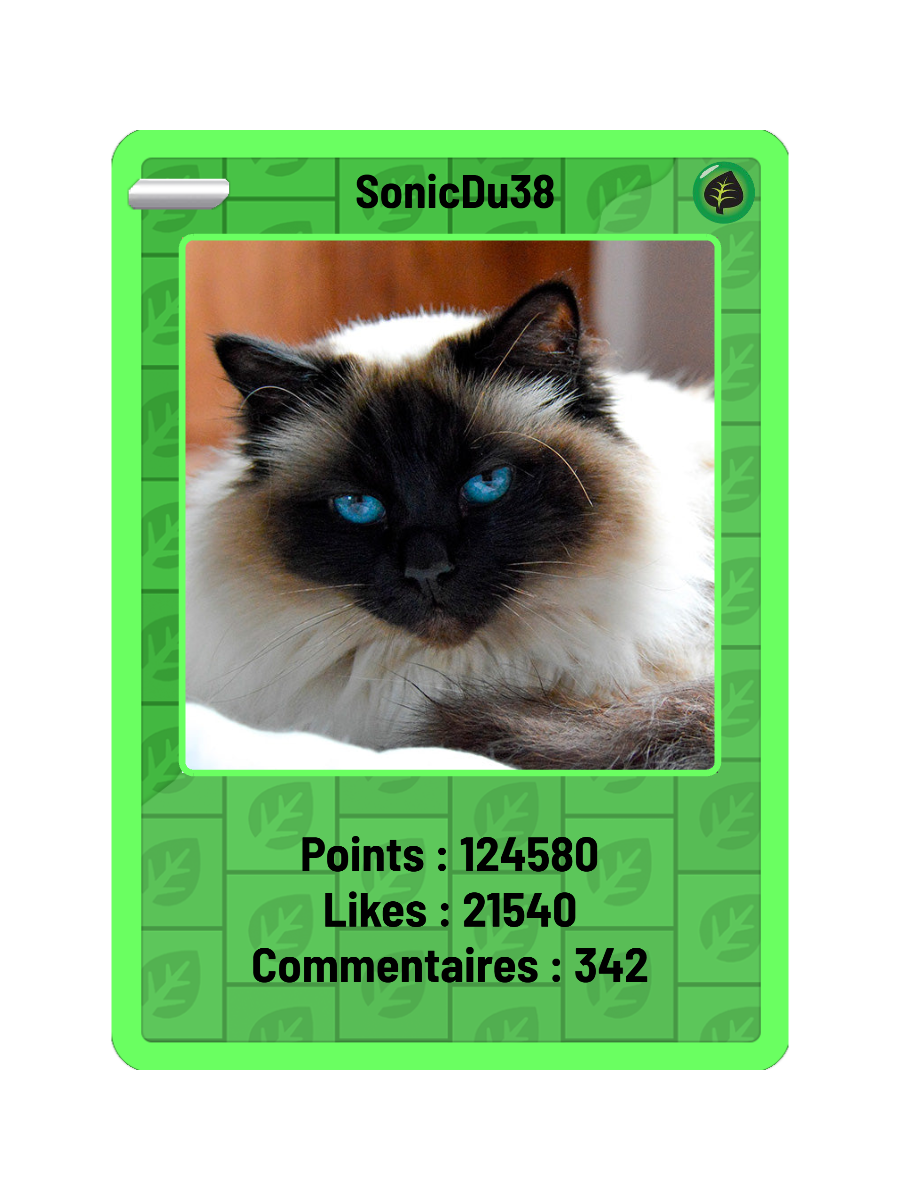
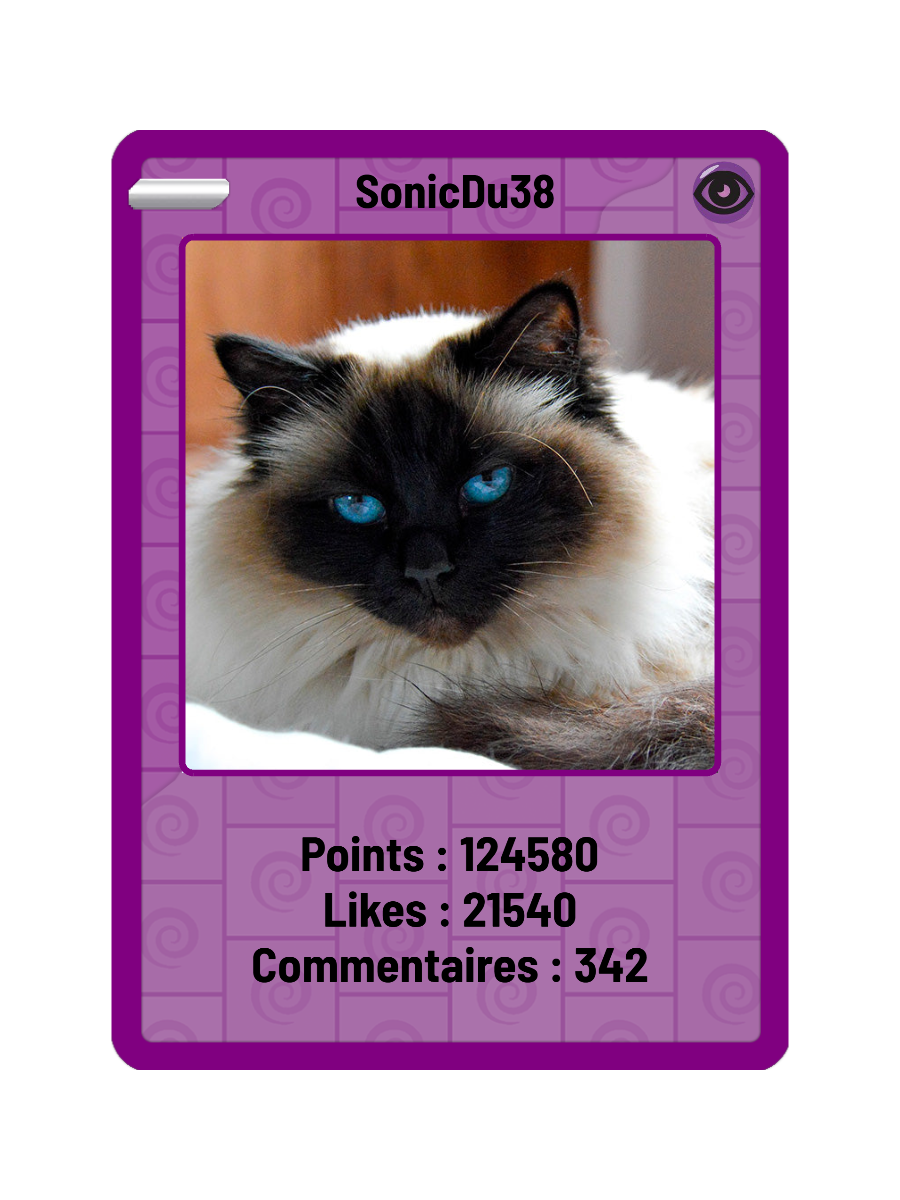
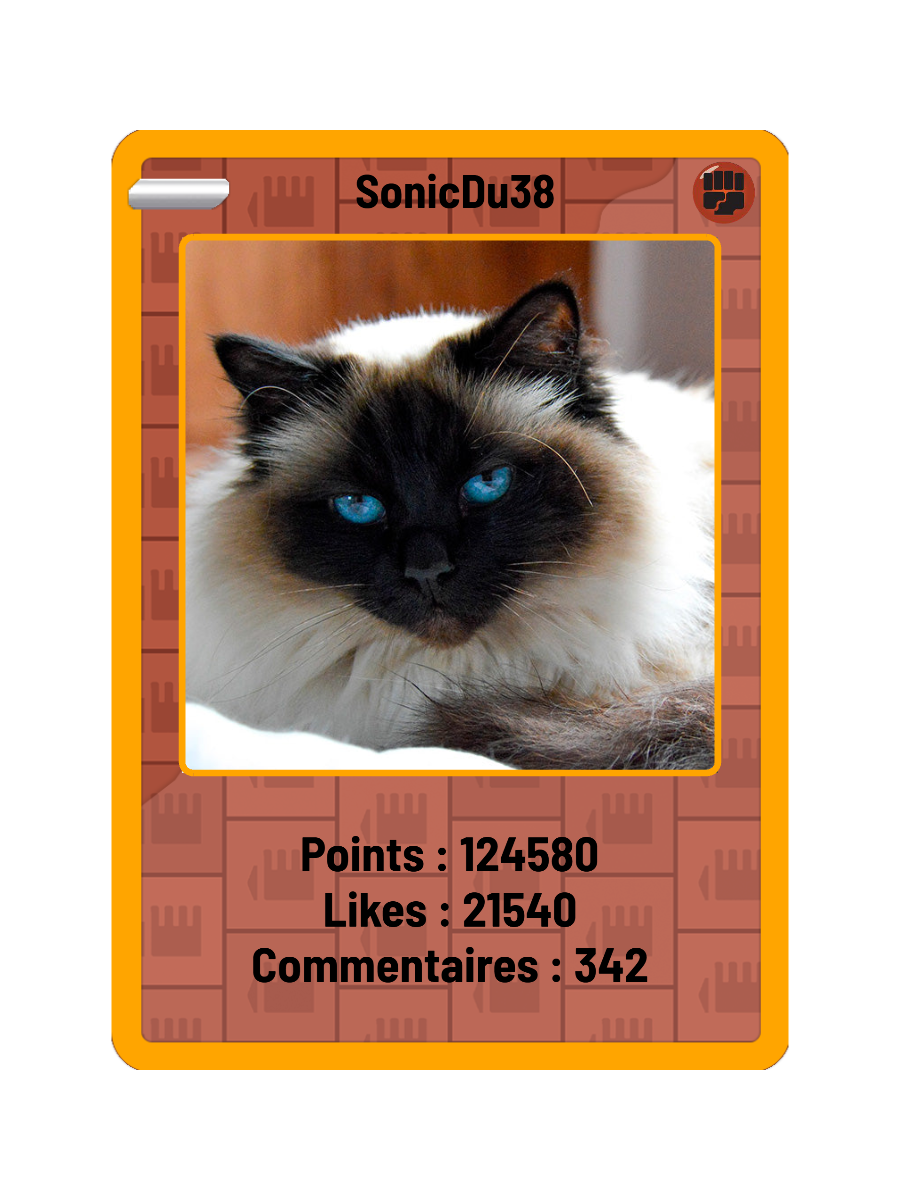
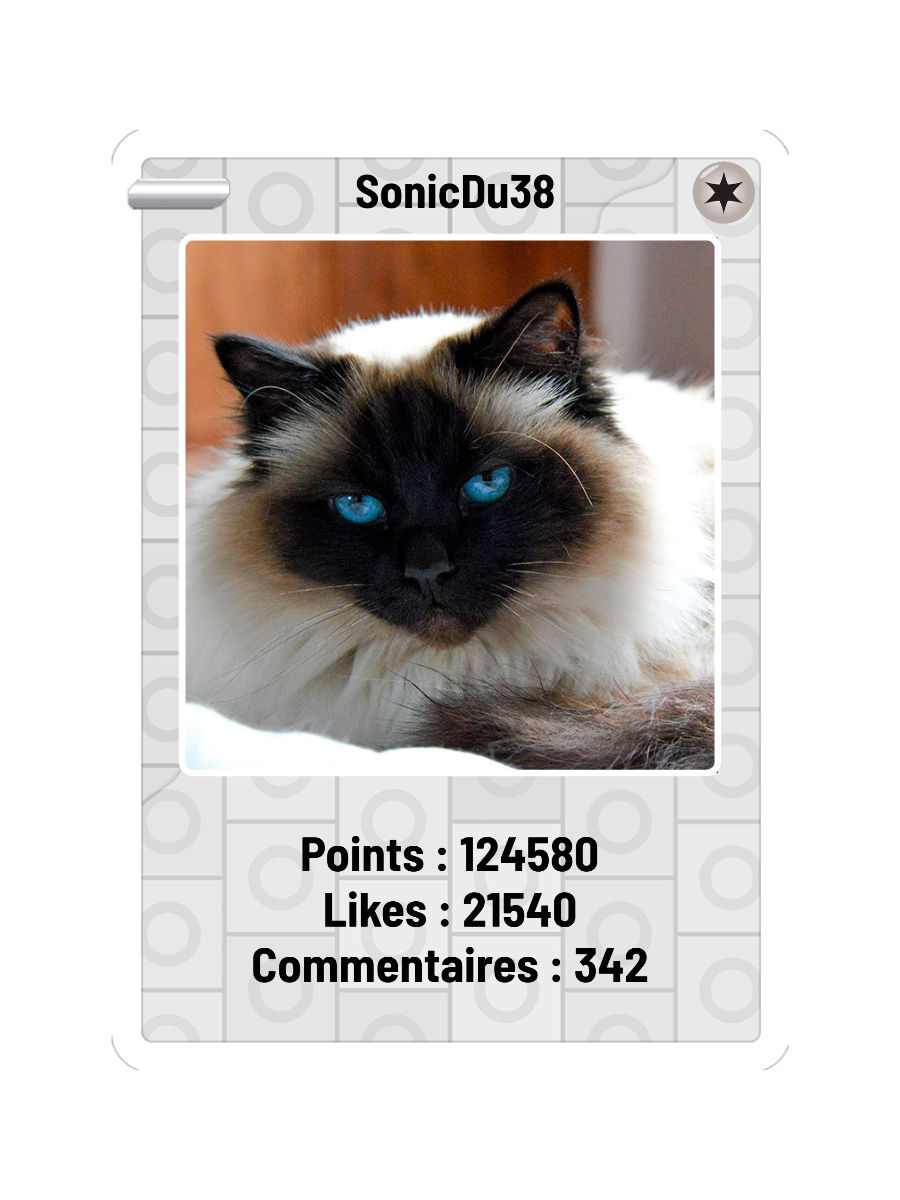
1 / 15 — Diamond
Participate in the LIVE to earn points.
Progress carries across your streams.
Spend points on card types and finishes.
Custom borders: 5,000 points to unlock, then free colour changes.
!card !carte !stats
Show their card on LIVE and celebrate their loyalty.
Each upgrade is purchased separately with community points. Card types: 5,000 points per change. SonicDu38 and the counters are sample data.
Explore the overlays available in T2S Live Studio. Preview their animations, then customise them in the app.
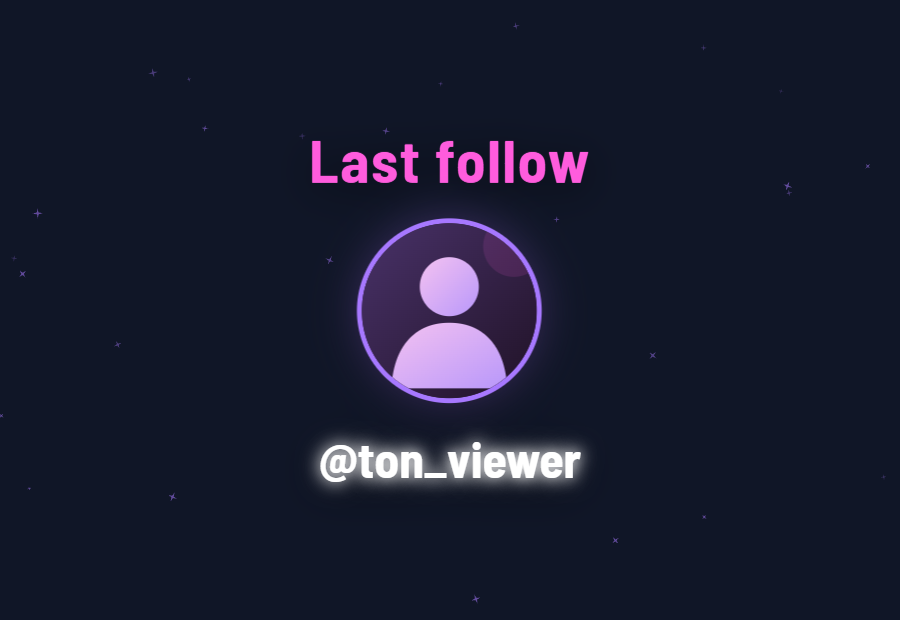
Animated previews. Sample viewers.
A Windows 64-bit computer, an internet connection and an approved creator account get you started.
Download T2S Live Studio. Sign in to TikTok in your browser and have your creator account approved by Time2shine.
Connect a compatible partner game, configure keyboard bindings or assign sounds. Set up the viewer-card overlay for your LIVE.
With your setup ready, click to connect. Your community's interactions can now trigger the actions you configured.
Questions about access or your setup? accessdenied.info@gmail.com
T2S Live Studio connects a compatible partner game to your TikTok LIVE so it can receive interactions directly. The game determines how those events affect gameplay. Configure your setup first, then connect in one click.
Yes. You can bind LIVE interactions to simulated keyboard inputs and assign sounds to interaction events. You choose the mappings for your setup.
Viewers earn community points through their LIVE interactions, then use them to personalise and upgrade their card. Their progress continues across your streams, giving your most engaged viewers visible rewards and a reason to return.
A viewer sends a supported command in your LIVE chat, such as !card, !carte or !stats. Their personalised card appears through the viewer-card overlay configured for your stream.
The installer is available here. Online features require a creator account approved by Time2shine. TikTok sign-in alone does not grant access.
Read the Privacy Policy and Terms of Service. Viewer points are community scores and have no cash value. For privacy or deletion requests, contact accessdenied.info@gmail.com.

T2S Live Studio 0.10.0 for Windows 64-bit. Partner games, keyboard bindings, sounds and viewer cards, brought together for your community.
Creator approval required. By using the application, you agree to the Terms of Service.
File: T2S-Live-Studio-0.10.0-x64-setup.exe
Platform: Windows x64
SHA-256: f73f0e52d8d57d6500cc283a191405dde34a359bb3b6e3462adb250e68fa977e